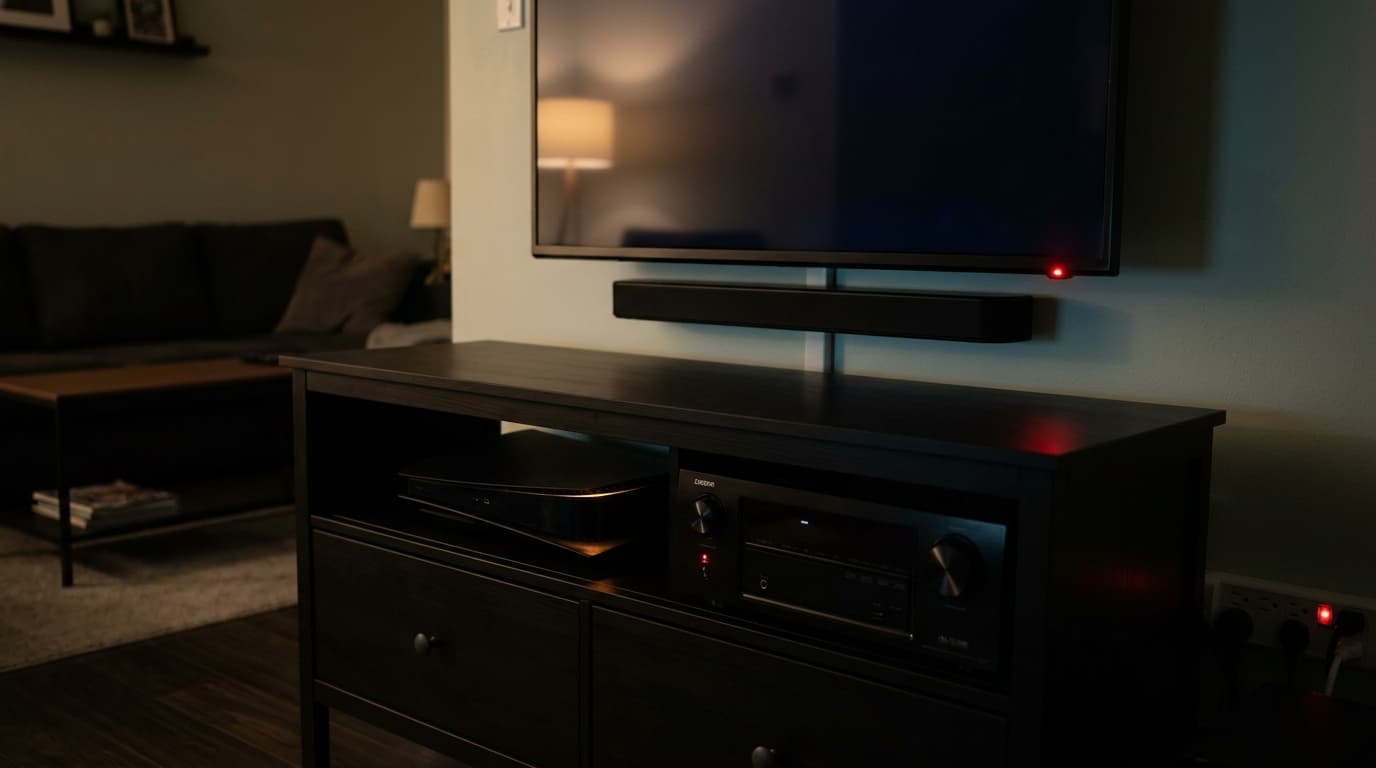
Your electricity meter runs continuously, even at 2am when every screen in the house is dark and every device appears to be off. Standby power, sometimes called phantom load or idle power, accounts for a measurable slice of what most households pay each year. The question worth asking is not whether it costs you money, but how much, and whether anything practical can be done about it.
What standby power actually is
When you press the off button on a television, you are not cutting its power. You are telling it to wait. The internal microprocessor stays on, listening for a signal from the remote control. The clock on your microwave stays lit. The Wi-Fi chip in your printer keeps scanning for a network. All of this happens at low wattage, but it happens continuously, 24 hours a day.
Older IEA and OECD estimates often place standby consumption somewhere in the range of 5 to 15 percent of residential electricity use, with around 10 percent used as a common reference point. The actual share varies considerably depending on how old your appliances are, how many connected devices you own, and how they handle network standby. For a household spending €1,200 per year on electricity, even a 5 percent standby share represents €60 sitting in the meter while everything appears to be off.
Which devices draw the most
Not all standby loads are equal. A phone charger with no phone plugged in draws well under 0.5W. An AV receiver with a network connection can draw 15 to 30W continuously, even when nobody is in the room. The difference between those two figures, compounded over a year, is substantial.
| Device | Typical standby (W) | Annual cost at €0.28/kWh |
|---|---|---|
| AV receiver / amplifier | 10–30W | €25–€74 |
| Desktop PC (sleep mode) | 5–15W | €12–€37 |
| Game console (connected standby) | 3–15W | €7–€37 |
| Cable / satellite receiver | 5–15W | €12–€37 |
| LED or OLED TV (2020+) | 0.5–3W | €1–€7 |
| Broadband router | 5–12W | €12–€29 |
| Phone charger (no phone) | 0.1–0.5W | Under €1 |
| Microwave (display on) | 2–5W | €5–€12 |
Electricity rates vary widely. In the US, average residential rates run around $0.13–$0.17 per kWh. In Germany, around €0.35–€0.40/kWh. In the UK, around £0.25–£0.28/kWh depending on your tariff and payment method. In Australia, roughly AUD $0.25–$0.40/kWh, with significant variation between states and tariff types. Check your most recent bill for your local rate, then scale the table figures accordingly.
The TV setup problem
Modern televisions are no longer the worst offenders individually. Many newer TVs in regulated markets are designed to draw around or below 0.5W in basic standby mode. In practice, network features, quick-start functions, and status displays can push that figure higher — sometimes to 1–3W even on recent models. Still, the TV itself is rarely where most of the waste sits. The problem is everything connected to it.
An AV receiver or soundbar with HDMI-CEC enabled stays active even when you think it is sleeping. A game console set to download updates overnight in connected standby mode draws power comparable to a small LED bulb. A set-top box or cable receiver often draws almost as much on standby as when you are watching.
Add those together and the television itself is rarely the culprit. The cluster of devices around it is.
How to find your actual standby load
Estimates from specs sheets are useful for comparison, but the most reliable approach is to measure directly. A plug-in energy monitor (sold as a "power meter" or "energy monitor") costs €10 to €20 and plugs between the socket and your device. It shows real-time watts and can accumulate kWh over days. This lets you see exactly what a device draws at standby versus during use.
For simple devices with a fixed standby draw, a few hours of measurement is enough to get a reliable figure. For connected devices that periodically wake up to check for updates or sync data, 24 hours gives a more accurate picture of what they actually consume across a typical day.
Common mistakes people make
- Targeting the wrong devices. Phone chargers and LED TVs get a lot of attention, but their standby draw is minimal. AV receivers, desktop computers, and game consoles are where the actual waste sits.
- Treating all standby the same. A router drawing 8W on standby does real useful work: it keeps your network online. A game console drawing 10W to check for updates overnight does not. Cut the genuinely idle loads first.
- Buying smart plugs for everything. A smart plug costs €10 to €25. If the device it controls draws 0.5W on standby, it would take 20 years to pay back the investment. Match the solution to the drain.
- Ignoring old appliances. Older televisions, amplifiers, and computers built before 2012 often draw 3 to 5 times more on standby than their modern equivalents. A single old AV receiver can cost more annually than a whole modern home theatre system combined.
- Expecting huge savings. Standby reduction is real but incremental. Cutting €60 per year is worthwhile. Expecting it to halve your electricity bill will lead to disappointment.
Whether smart plugs are worth it
A smart plug lets you cut power entirely to devices that draw standby load, either on a schedule or via an app. For a device drawing 10W for 20 hours a day, annual consumption is 73 kWh. At €0.28/kWh, that is about €20 per year. A €15 smart plug pays for itself within the first year.
For a device drawing 1W, annual consumption is around 8.7 kWh, costing roughly €2.40 per year. A €15 smart plug would take over six years to pay back. That is not a sensible use of one.
The threshold where a smart plug makes financial sense is roughly 3 to 5W of standby draw, depending on your electricity rate and plug cost. Anything above that is a reasonable candidate. Below that, a manual power strip with a physical switch is cheaper and equally effective.
A practical approach in four steps
- List the devices that stay plugged in. Focus on the TV area, home office, and kitchen. These three areas contain most household standby load.
- Measure the worst suspects. Use a plug-in energy monitor for 24 hours on any device you suspect draws more than 5W at standby. This gives you real data rather than guesses.
- Group by power strip. Put AV equipment on one switched power strip. When the TV goes off for the night, everything connected to it loses power entirely. One switch handles five devices.
- Add smart plugs only where they earn their cost. Devices drawing 10W or more that cannot be grouped on a strip (a desktop in the study, a game console that needs its own outlet) are good candidates. Set them on an overnight schedule rather than relying on memory.
Calculate your standby costs
Enter your number of devices, average standby wattage and electricity price to see the exact annual cost and CO2 impact.
Open Standby Power Cost Calculator →How much you can realistically save
A home with four high-drain standby devices (AV receiver, desktop PC, game console, cable box) drawing an average of 12W each around the clock is consuming roughly 420 kWh per year from standby alone. At €0.28/kWh, that is about €118 annually. Cutting all four to near zero with smart plugs or a power strip would recover most of that.
Realistically, you will not eliminate all standby load. Routers stay on, some devices need to stay connected, and manual habits are imperfect. Reducing your total standby consumption by 50 to 70 percent is achievable with focused effort and a modest investment in power strips or smart plugs.
For most households, that translates to €30 to €80 saved annually. Not life-changing, but a straightforward return on about an hour of effort and €15 to €40 spent.